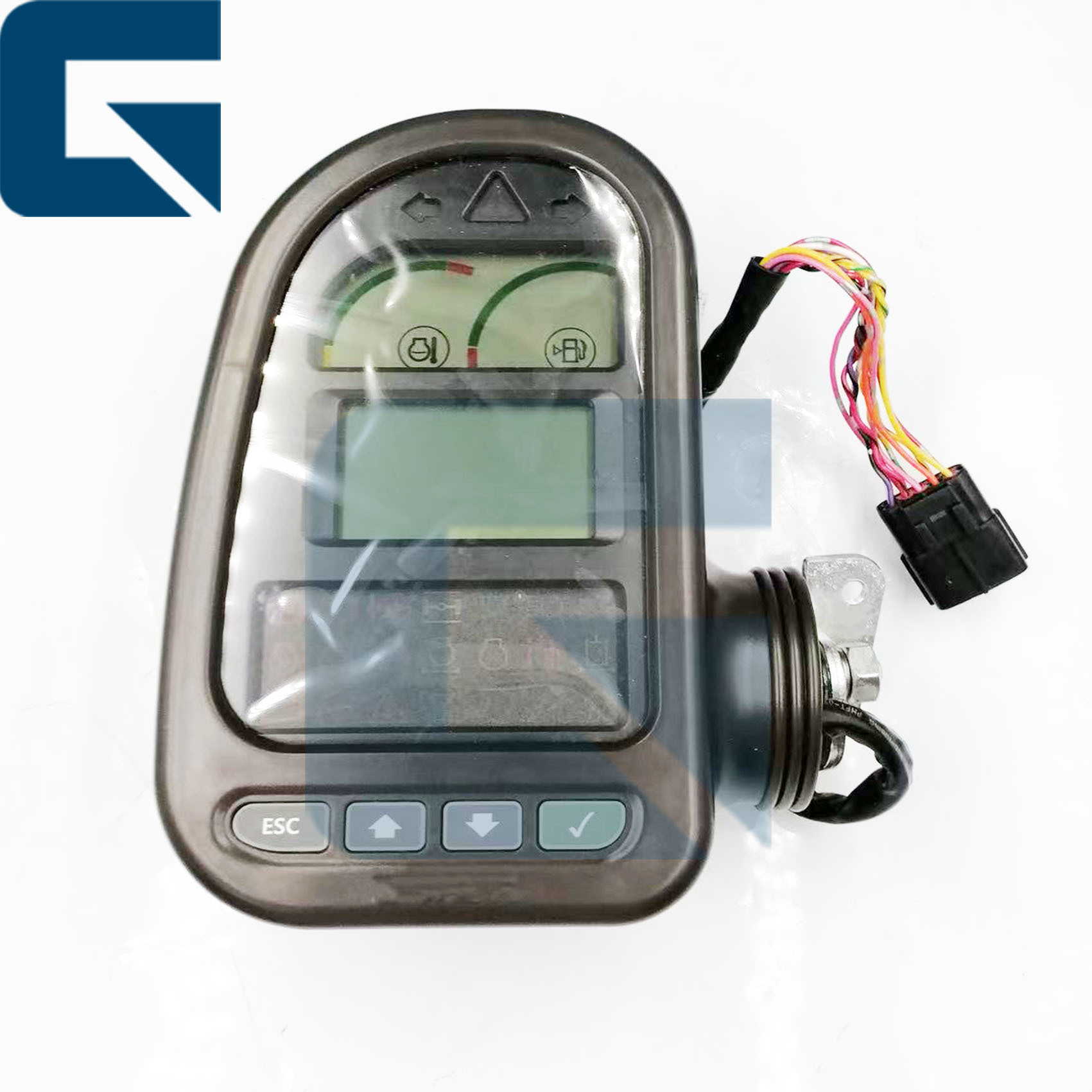
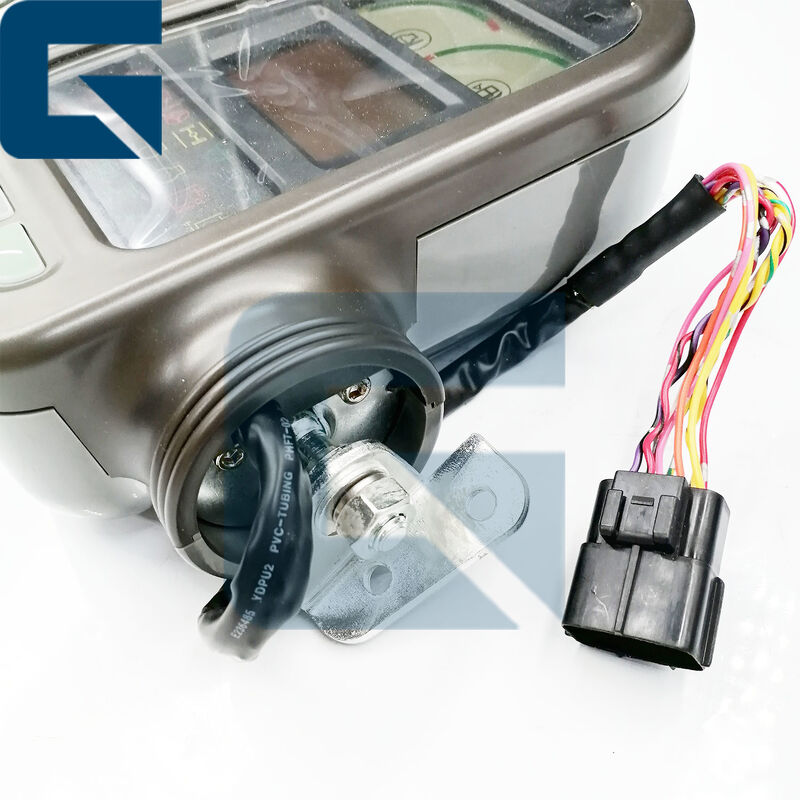
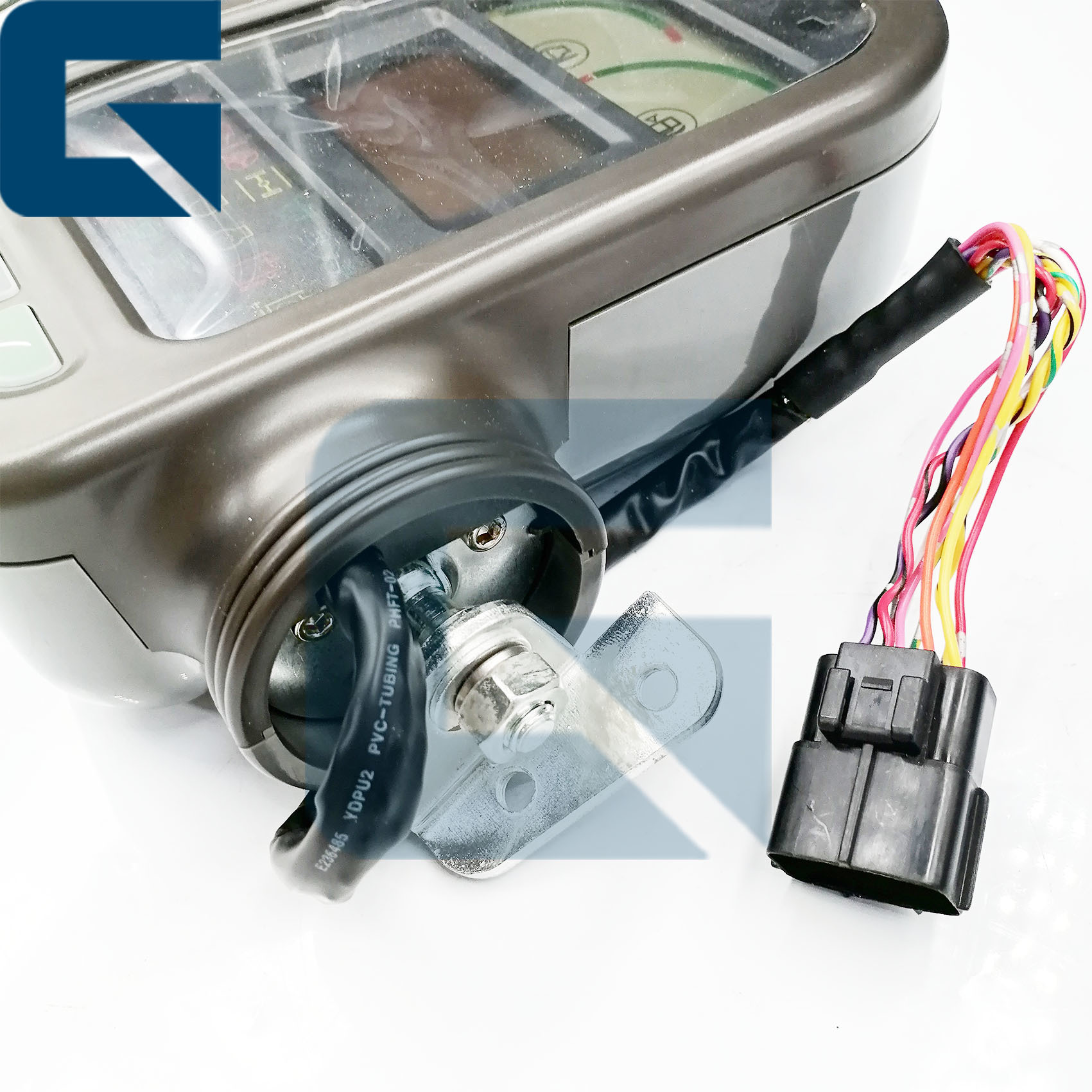
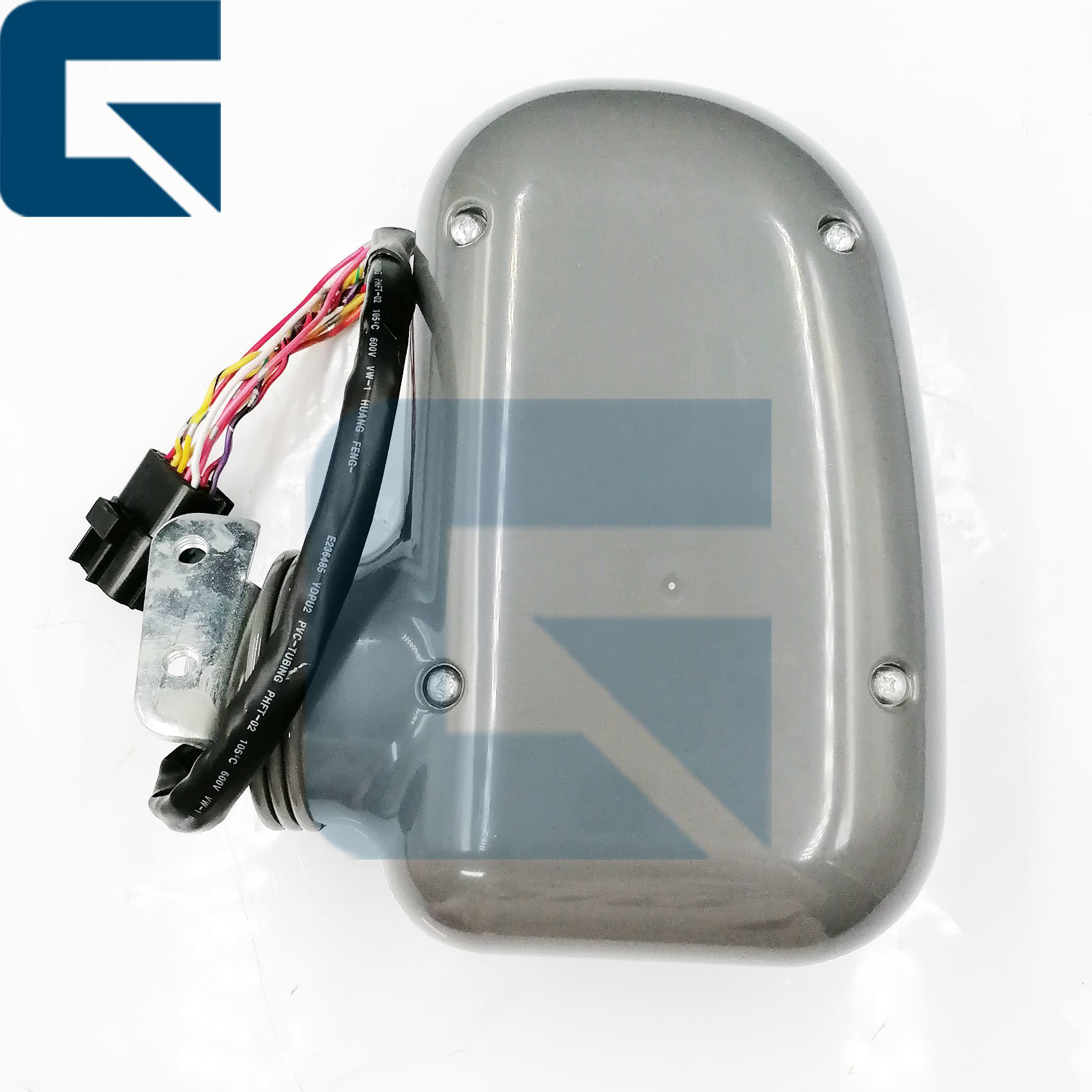
پانل کنترل صفحه نمایش مانیتور برای LG6210E و LG6225E
شماره بخش: 14401539 - صفحه کنترل نمایش مانیتور جایگزین با کیفیت بالا سازگار با مدل های حفاری LG6210E و LG6225E.
مشخصات محصول
| نام محصول |
مانیتور |
| شماره بخش |
14401539 |
| نام تجاری |
ژاژو |
| مدل های سازگار |
LG6210E، LG6225E |
| شرایط |
جدید |
| دسترسی |
ثروتمندان |
| وزن تقریبی |
2 کیلوگرم |
| ابعاد (به هر واحد) |
30cm x 30cm x 10cm |
حمل و نقل و پرداخت
| زمان تحویل |
معمولاً 1-3 روز بعد از پرداخت |
| روش های حمل و نقل |
DHL، FedEx، TNT، UPS |
| زمان ارسال |
در عرض 24 تا 48 ساعت |
| روش های پرداخت |
TT، وسترن یونیون، کارت اعتباری، پی پال |
تصاویر محصول

منظره جلویی
چشم انداز جانبی
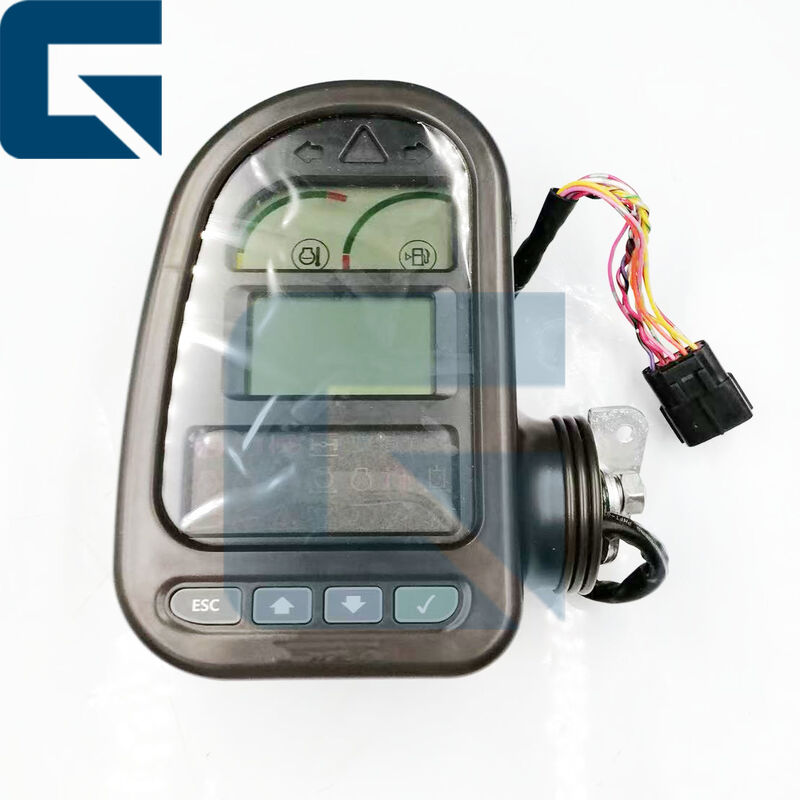
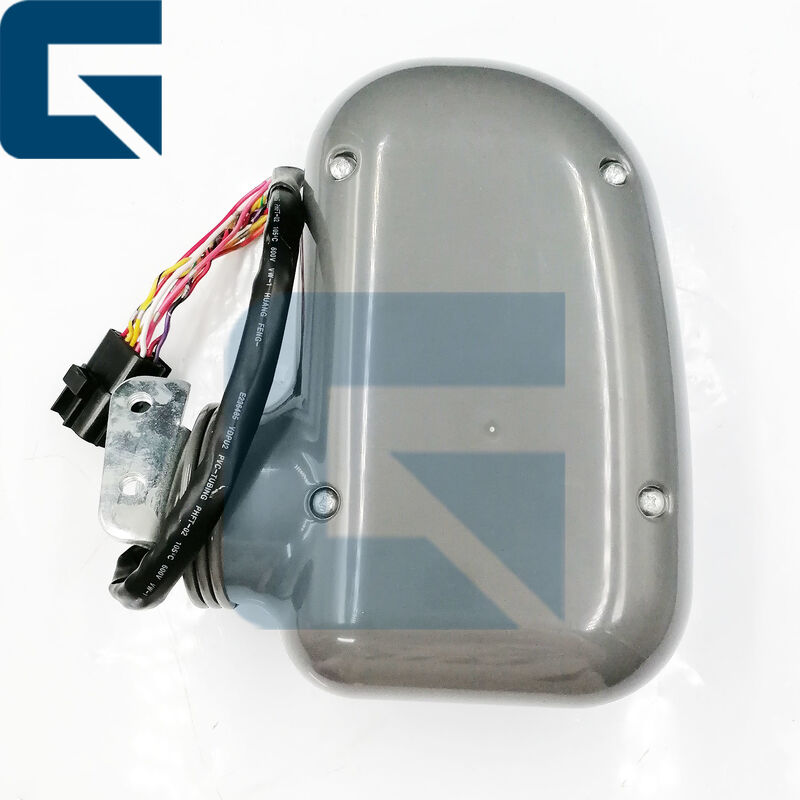
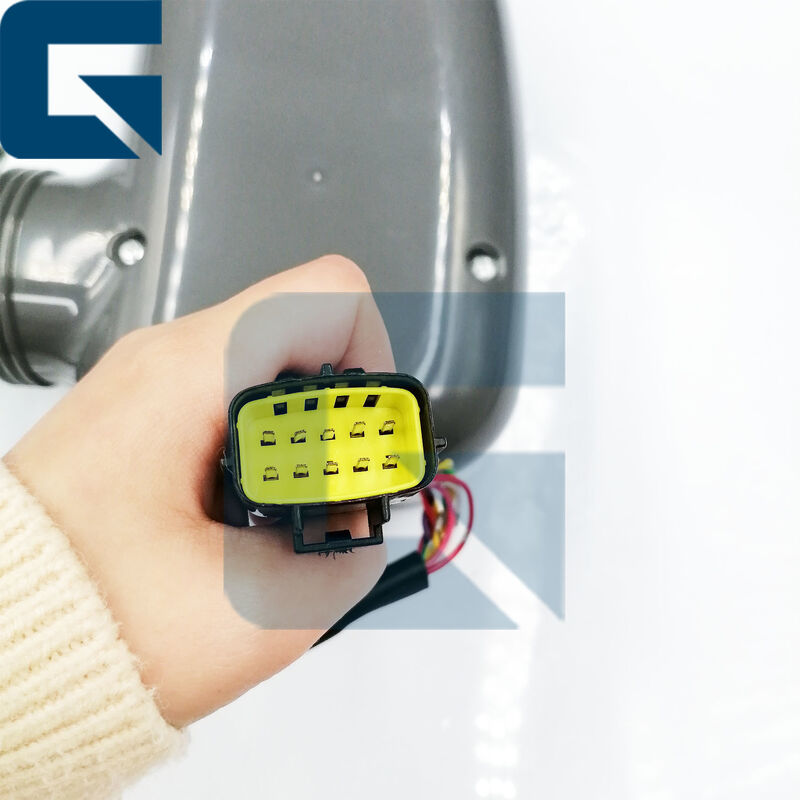
نگاه پشت
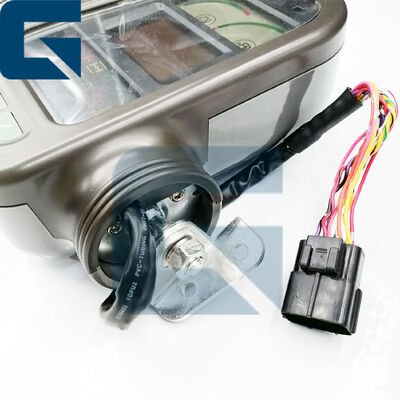
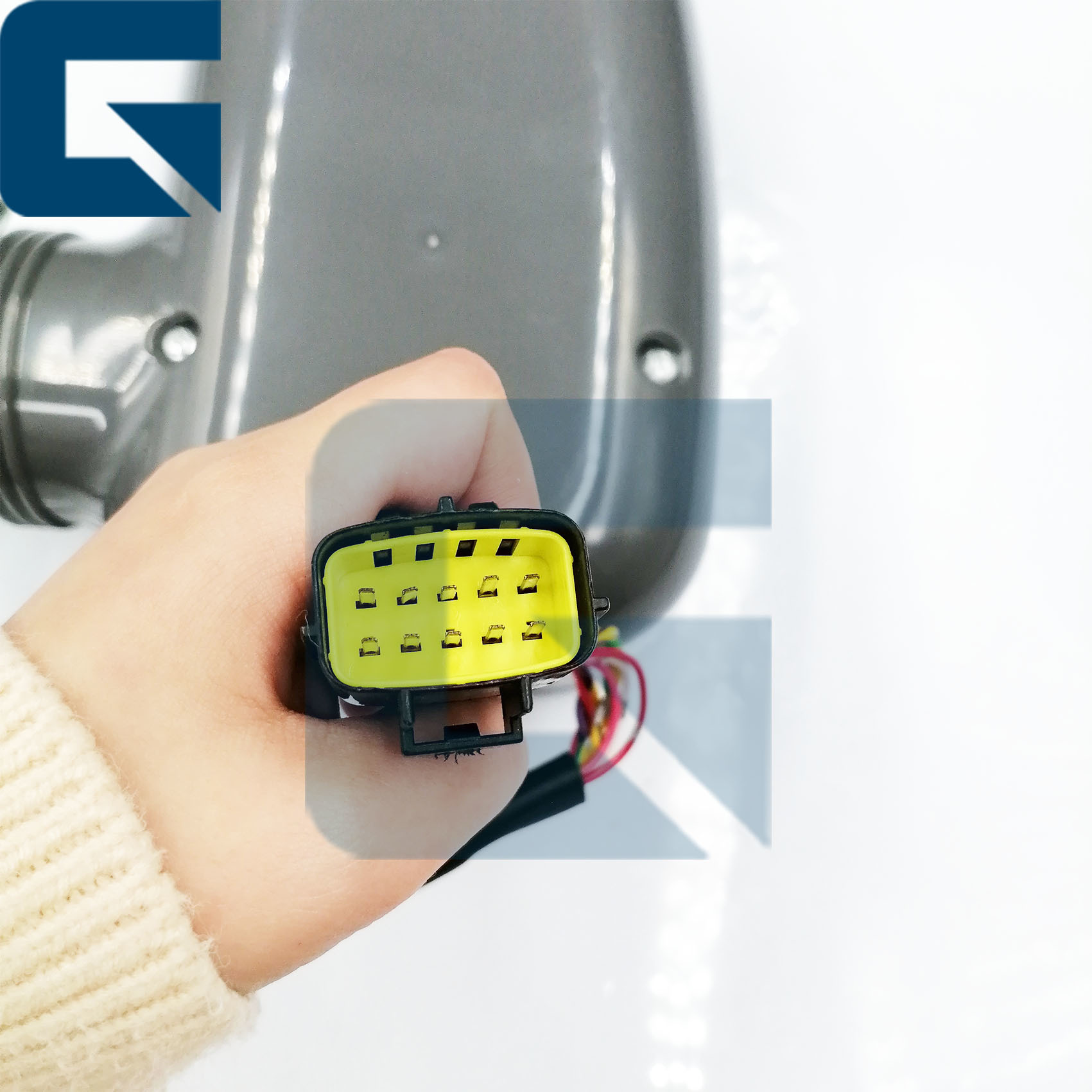
جزئیات نزدیک
محصولات مرتبط
پرسش های مکرر
سوال1: مراحل نصب مانیتور چیست؟
قطع برق → حفاظت ضد ایستاتیک → تمیز کردن و بازرسی → اتصال سیم کشی → نصب امن → پیکربندی و عیب یابی سیستم → نگهداری و تمیز کردن معمولاز رطوبت دوری کنید.
سوال2: "پایبندی" برای مانیتورهای حفاری به چه معناست؟
"توافق" مانیتورهای حفاری به دو ابعاد اشاره دارد: جهانی بودن سخت افزار و ادغام پلت فرم نرم افزار.
س3: اگر مانیتور سیاه باشد یا چیزی نشان ندهد، باید چه کنیم؟
- مانیتور روشن نیست یا کابل برق از بین رفته است → بررسی کنید که آیا کابل برق مانیتور به درستی متصل شده است و اطمینان حاصل کنید که برق روشن است.
- خرابی سخت افزار مانیتور → تعویض یا تعمیر مانیتور را در نظر بگیرید.
سوال 4: وقتی مانیتور خراب شود، فروشنده مشکل را حل می کند؟
بله، مشتریان می توانند عکس ها و فیلم ها را ارائه دهند، و تکنسین های ما مشکل را تعیین می کنند و به شما در حل آن کمک می کنند.
سوال 5: چرا شرکت گوانگژو جیاجو را انتخاب کردید؟
چون مانیتورهای ما قبل از ارسال آزمایش می شوند تا اطمینان حاصل شود که پس از نصب به درستی کار می کنند.
راهنمای آزمون مرحله به مرحله
پيشنهادسیستم های HEUI (هیدرولیک الکترونیک واحد تزریق) بسیار حساس به آلودگی هستند. یک ذره خاک می تواند باعث خرابی زودرس شود.
1برق روشن شدمطمئن شو که برق اصلي حفاری روشن شده
2. بازرسي بصري-مراقبت کنید که مانیتور آسیب فیزیکی مانند ترک ها یا دکمه های غیرفعال داشته باشد.
3. نمایش را چک کنید- مطمئن شوید که صفحه نمایش نمایش روشن می شود و اطلاعات را به وضوح بدون تحریف یا لرزش نشان می دهد.
4عملکرد تست- بررسی کنید که آیا تمام دکمه ها و توابع صفحه لمسی (در صورت لزوم) به درستی به ورودی پاسخ می دهند.حرکت از طریق منو های مختلف و تنظیمات برای اطمینان از کنترل مانیتور تمام توابع اساسی حفاری.
5تست اتصال- اگر مانیتور با سیستم های دیگر (به عنوان مثال، دوربین ها، سنسورها) ارتباط برقرار می کند، اطمینان حاصل کنید که این اتصالات امن و عملیاتی هستند.هر گونه ویژگی های یکپارچه مانند خروجی صوتی و یا ورودی های تصویری خارجی را آزمایش کنید اگر وجود داشته باشد.
6روشنایی و کنتراست- تنظیم تنظیمات روشنایی و کنتراست برای اطمینان از عملکرد مناسب و ارائه دید کافی در شرایط مختلف نور.
7یافته های اسناد- هر گونه مشکل مشاهده شده در طول آزمایش را ثبت کنید و اگر مانیتور نیاز به مراقبت بیشتر یا تعویض داشته باشد، یادداشت کنید.
8مشورت- اگر مانیتور مشکلات یا خرابی های مداوم را نشان می دهد، با یک تکنسین واجد شرایط یا تیم پشتیبانی سازنده برای راهنمایی در مورد تعمیر یا تعویض مشورت کنید.
با پیروی از این مراحل، می توانید به طور موثر مانیتور حفاری را آزمایش کنید تا اطمینان حاصل کنید که به درستی کار می کند و به عملیات ایمن و کارآمد کمک می کند.
مشخصات شرکت
نمایشگاه
محیط کارخانه
بسته بندی و حمل


 پیام شما باید بین 20 تا 3000 کاراکتر باشد!