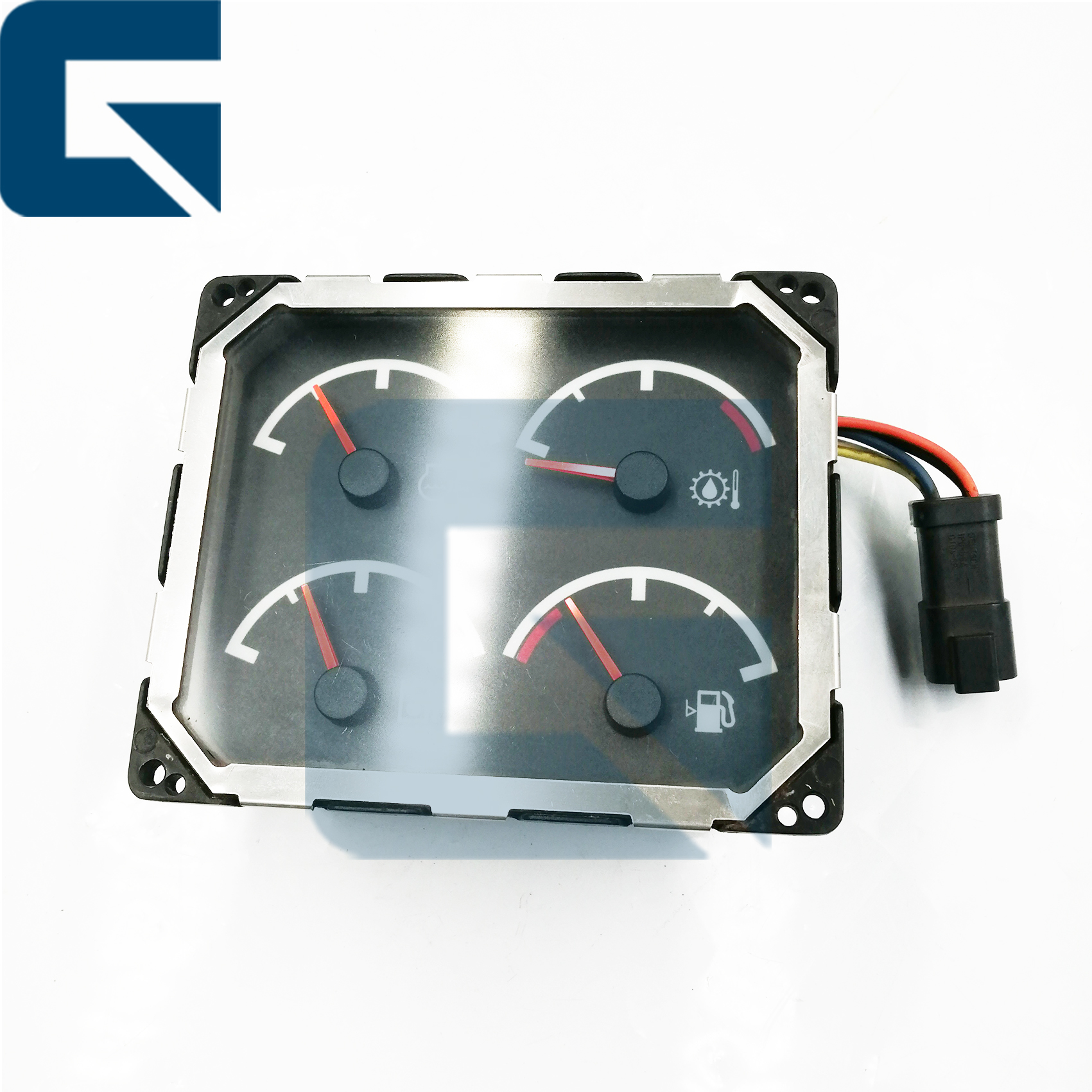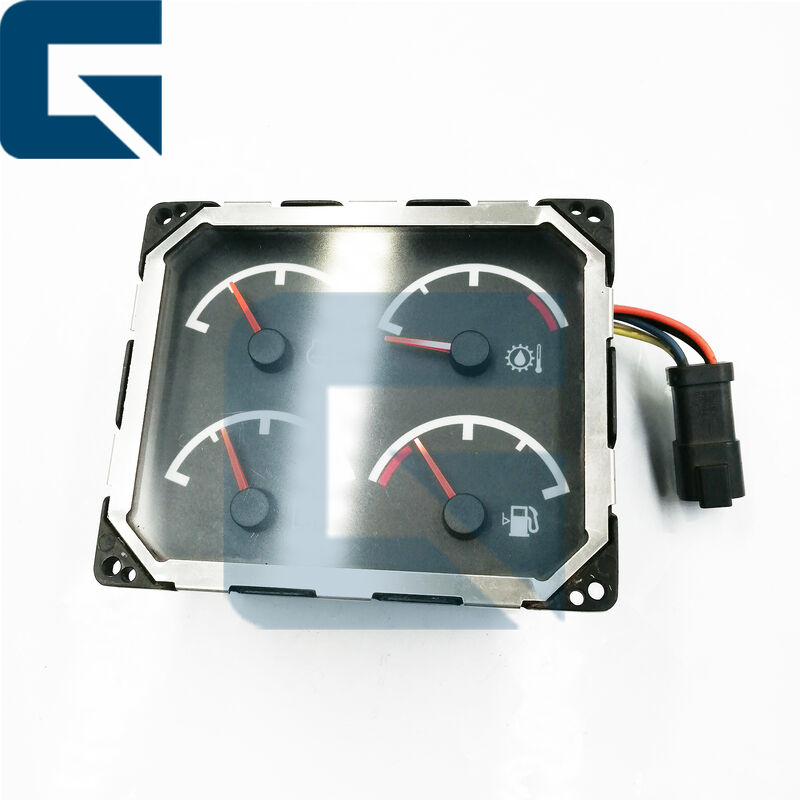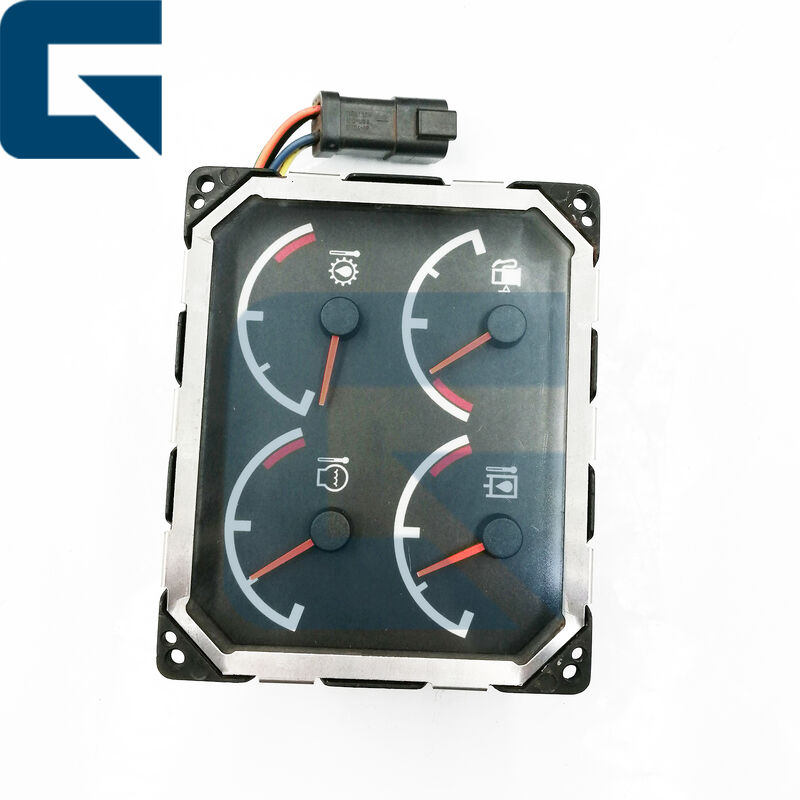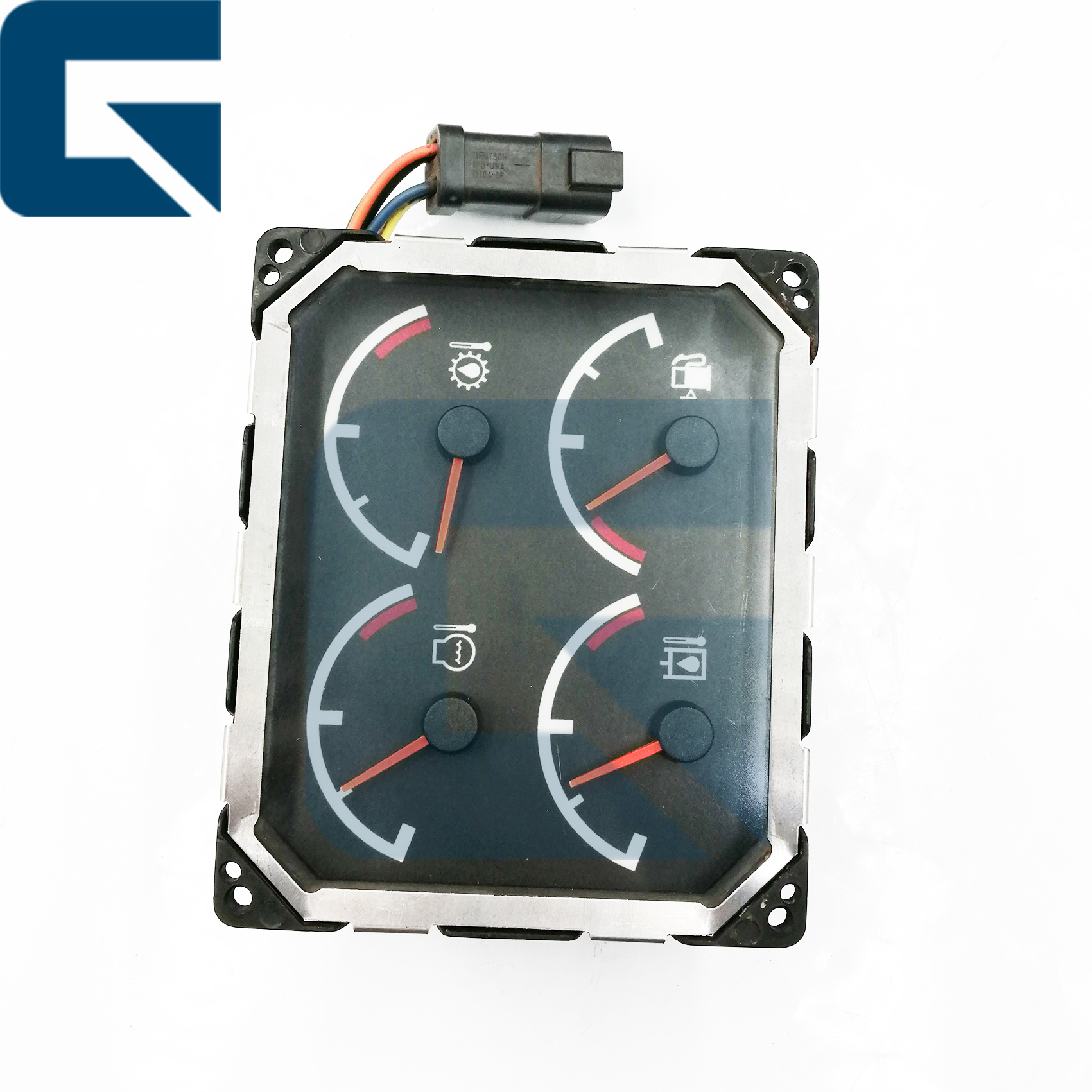
| محل منبع: | چین |
|---|---|
| نام تجاری: | JIAJUE |
| شماره مدل: | D6R D7R |
| مقدار حداقل تعداد سفارش: | 1 |
| قیمت: | Please send mail or WhatsApp |
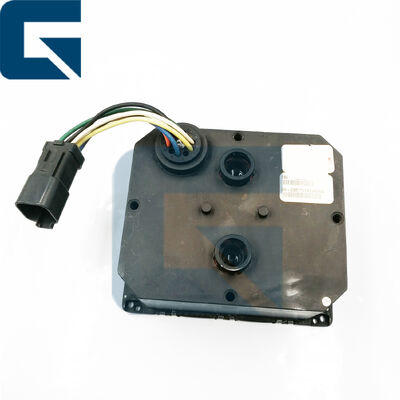
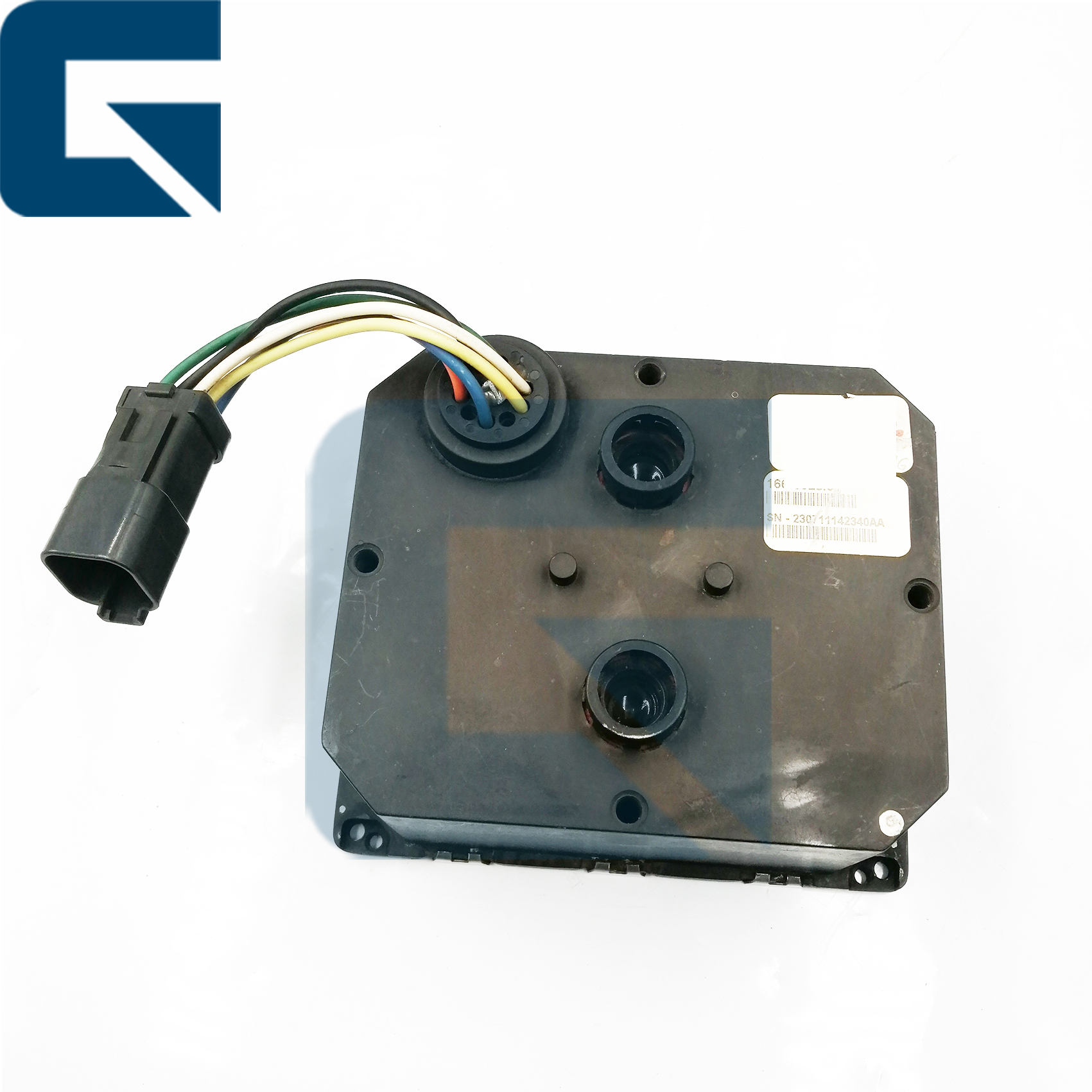
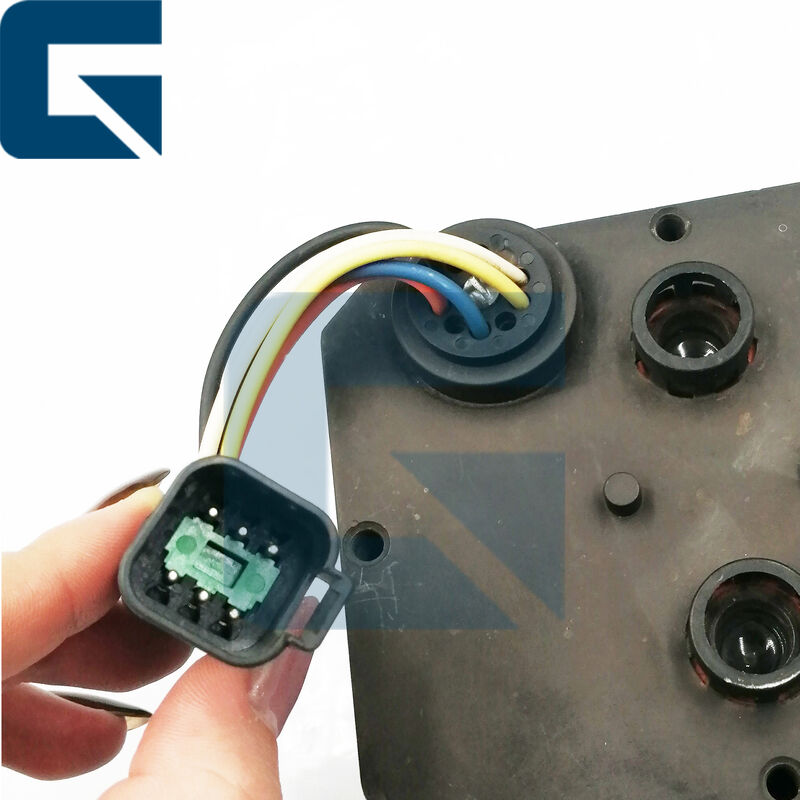
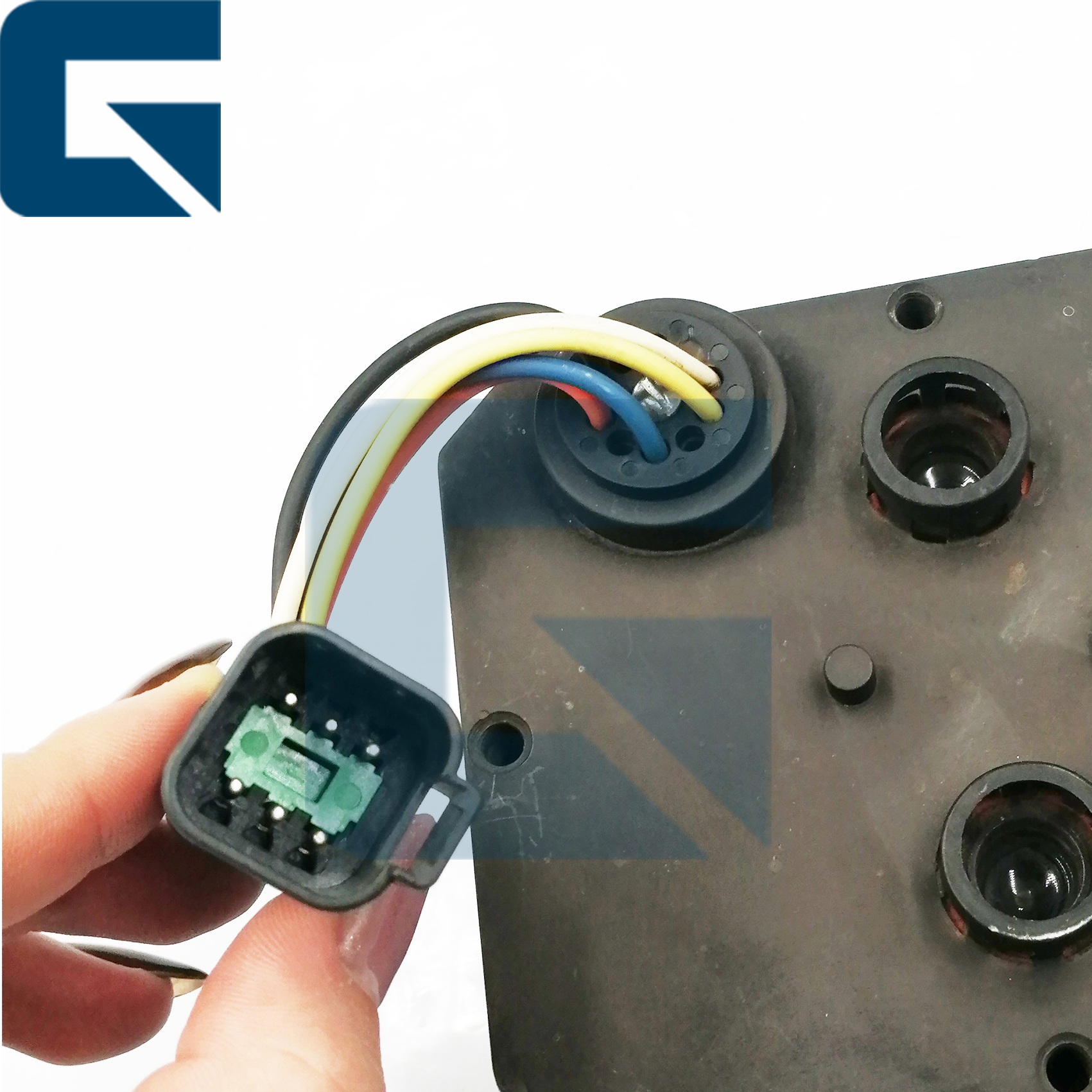
| جزئیات بسته بندی: | 166-6928 1666928 صفحه نمایش مانیتور برای تراکتور D6R D7R در بسته بندی استاندارد صادراتی تحت نیاز مشت |
| زمان تحویل: | 1 روز کاری |
| شرایط پرداخت: | L/C، D/A، D/P، T/T، وسترن یونیون، |
| قابلیت ارائه: | 1000 عدد در ماه |
| شماره قطعه: | 166-6928 | MOQ: | 1 |
|---|---|---|---|
| برجسته کردن: | Tractor D6R monitor display panel,D7R monitor replacement panel,Excavator display panel with warranty,D7R monitor replacement panel,Excavator display panel with warranty |
||
| Product Name | Monitor |
|---|---|
| Part Number | 166-6928 |
| Brand Name | JIAJUE |
| Model | D6R D7R |
| Availability | Rich Stock |
| Delivery Time | Usually delivery 1-3 days after payment |
| Approximate Weight | 2KG |
| Size (for 1pc) | 30cm x 30cm x 10cm |
| Delivery Methods | DHL FedEx TNT UPS |
| Shipment | Dispatched within 24-48 hours |
| Payment Methods | TT, Western Union, Credit Card, Paypal |
Disconnect power → Anti-static protection → Cleaning and inspection → Wiring harness connection → Secure installation → System configuration and debugging → Routine maintenance and cleaning, avoid moisture.
The "compatibility" of excavator monitors mainly refers to two dimensions: hardware universality and software platformization.
A: Monitor not powered on or power cord loose → Check if the monitor power cord is properly connected and ensure the power is on.
B: Monitor hardware malfunction → Consider replacing or repairing the monitor.
Yes, customers provide pictures and videos, and our technicians will determine the problem and then help you solve it.
Because our monitors are tested before shipment to ensure they can work properly after installation.
Ensure the excavator's main power is turned on.
Check the monitor for physical damage, such as cracks or non-functional buttons.
Verify that the monitor screen lights up and displays information clearly without distortion or flickering.
Adjust brightness and contrast settings to ensure they function properly and provide adequate visibility in different lighting conditions.
Record any issues observed during testing and note if the monitor requires further attention or replacement.
If the monitor displays persistent issues or malfunctions, consult with a qualified technician or the manufacturer's support team for guidance on repairs or replacement.
By following these steps, you can effectively test the monitor of an excavator to ensure it is functioning correctly and contributing to safe and efficient operations.